IMPORTANT
- This is available to new users ONLY.
- NEW! All features are now fully supported in both Windows and Mac versions.
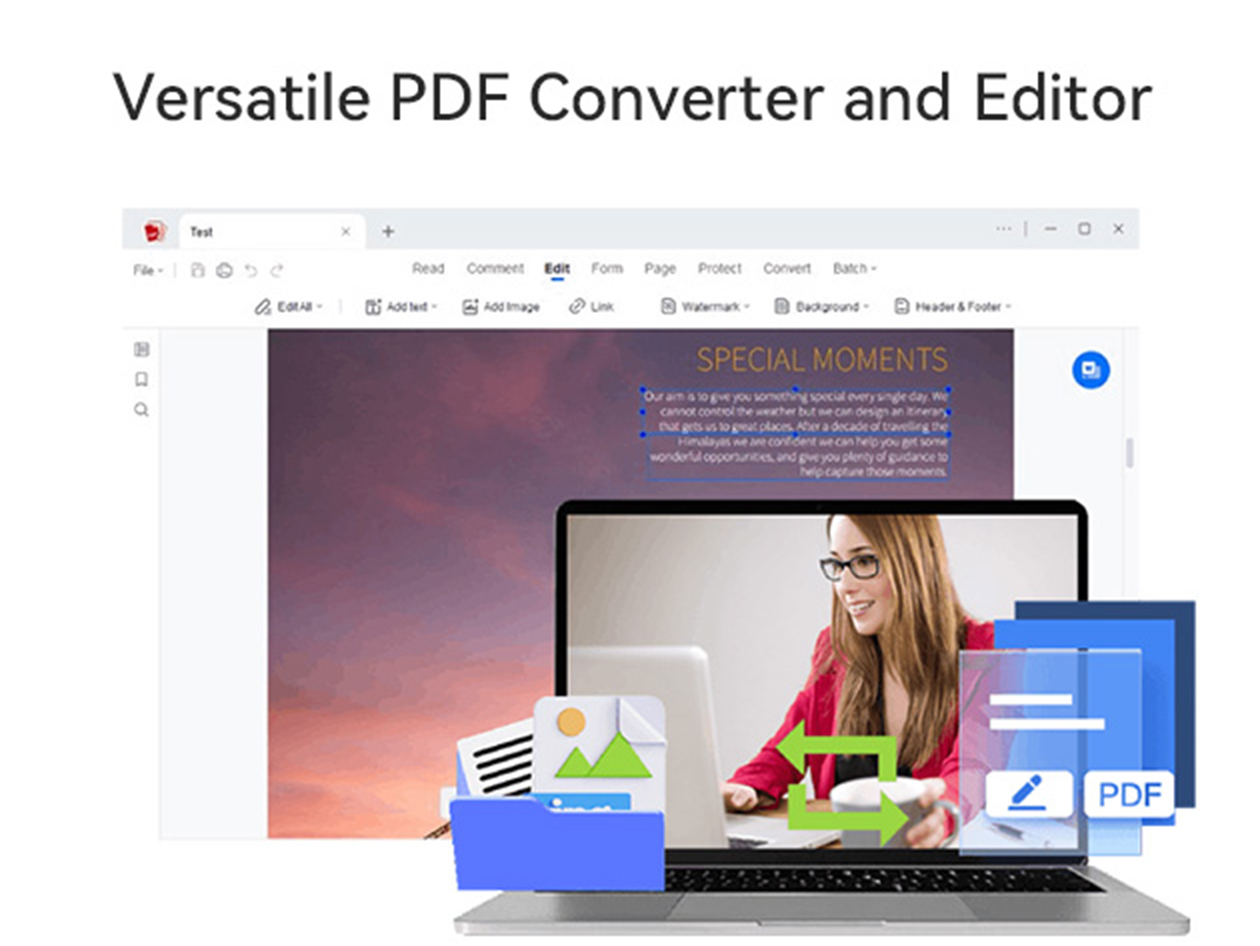
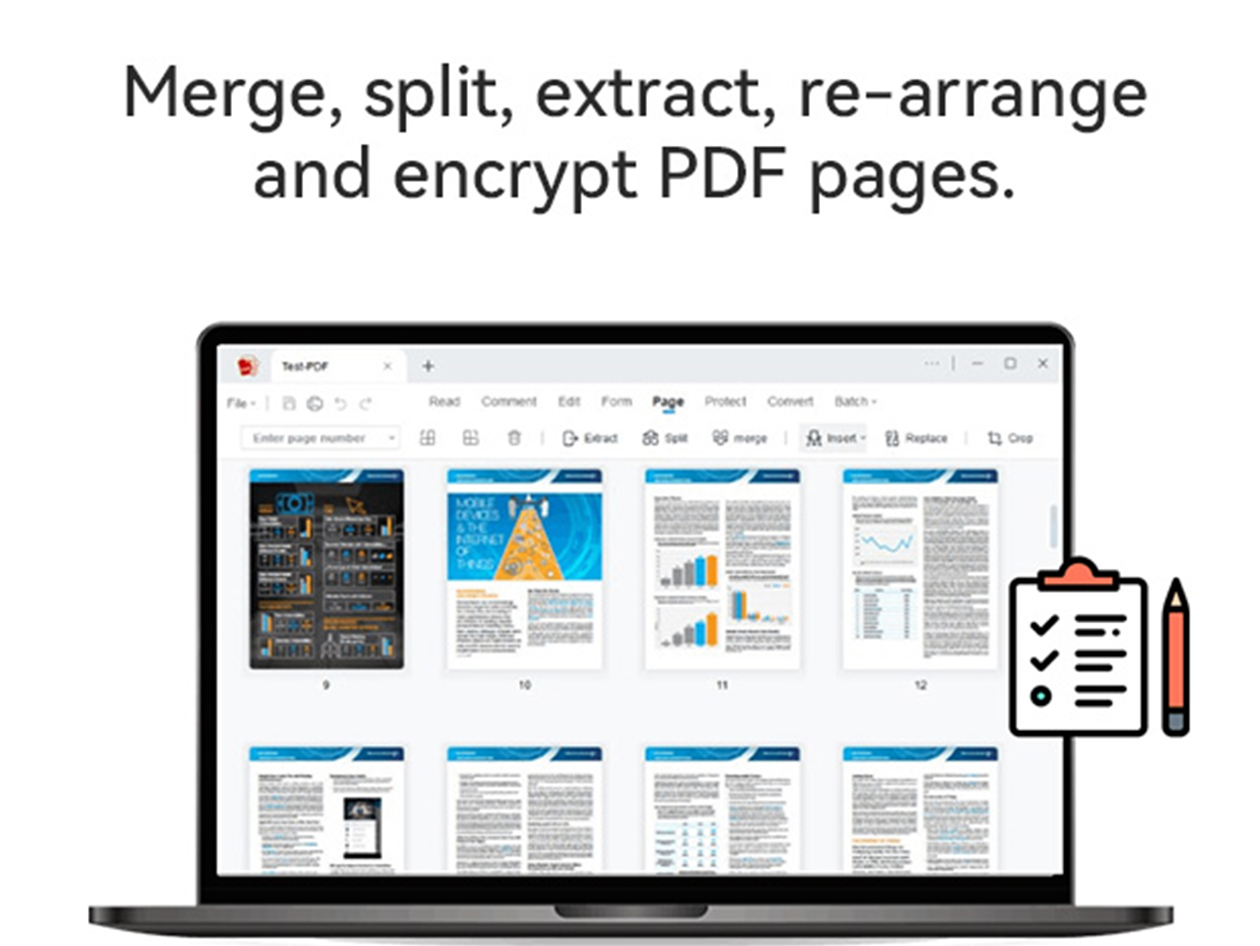
This all-in-one PDF converter and Editor enables you to process PDF and other documents easily. It offers fast and high-quality conversions while preserving original layouts, images, and hyperlinks. You can batch convert PDF files to Word, Excel, and other formats. You can also create PDF by merging MS documents, images and other types of files in just a few clicks. Moreover, you can edit PDF pages effortlessly by merging, splitting, rotating, or deleting pages, and use OCR to extract and edit text from scanned documents. With blazing-fast processing and reliable performance, it’s the perfect tool for seamless PDF conversion, creation, and editing—trusted by individuals and businesses alike.
4.4/5 stars on Trustpilot: ★ ★ ★ ★ ★ ★
-
Convert from PDF: Change and backup your PDF files to Microsoft Word, Excel, PowerPoint, Text, HTML, PNG, and JPG for convenient editing and viewing.
-
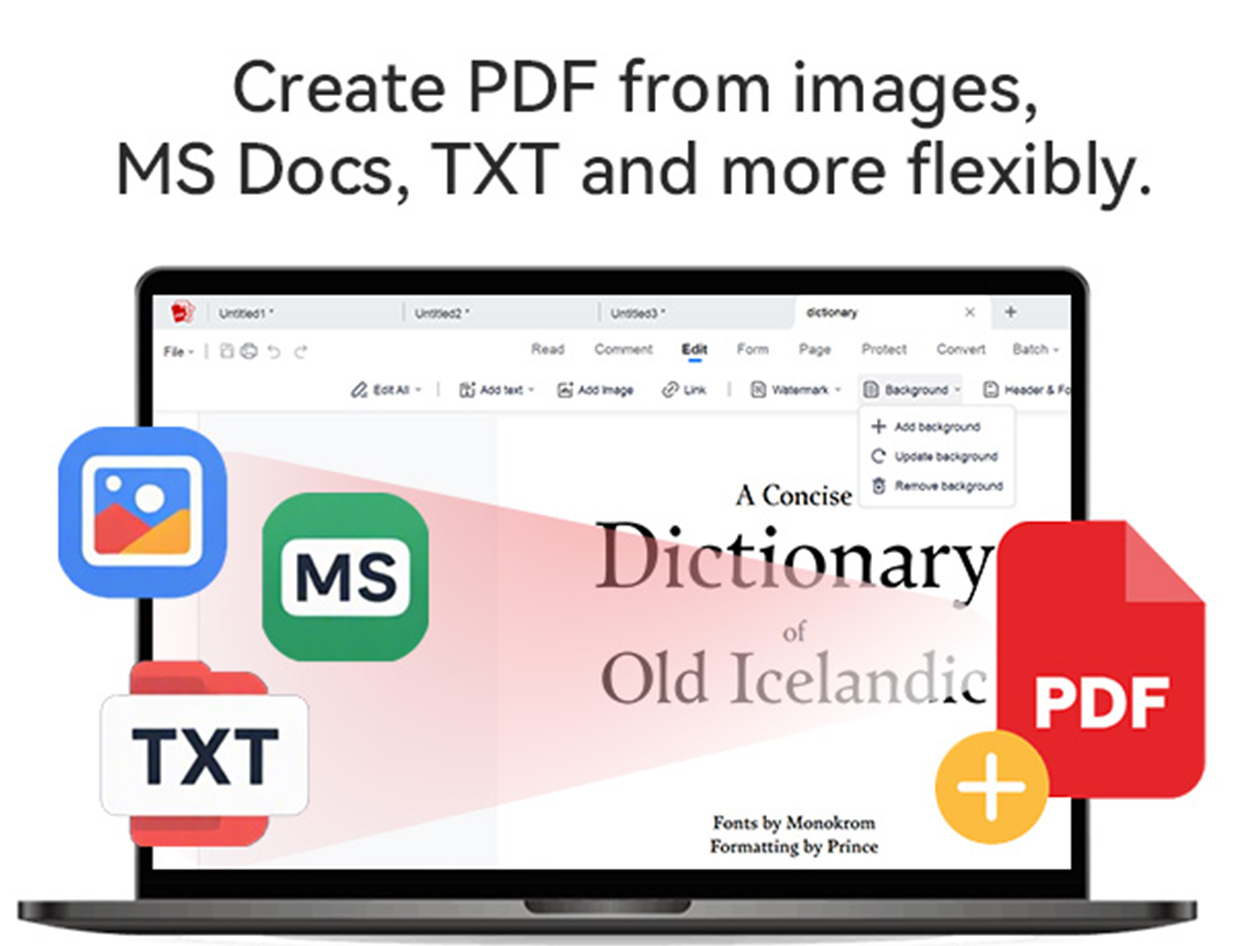
Convert to PDF: It's also an excellent PDF converter to create PDF from Word, Excel, PPT, and images for easier transferring and backup.
-
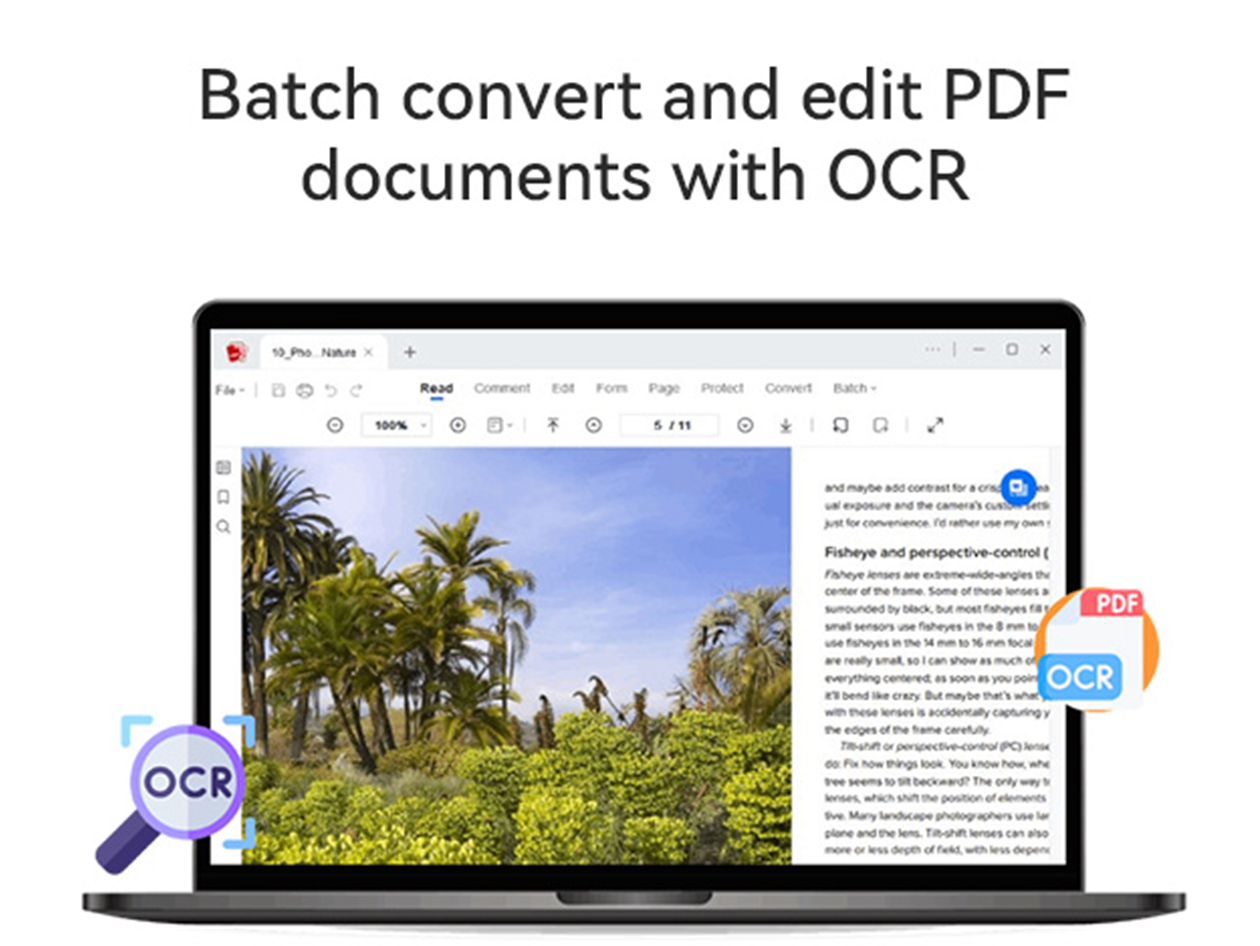
Convert Scanned PDF: Thanks to the built-in OCR technology, now it’s possible to extract text from image-based PDF documents with the original format and graph.
-
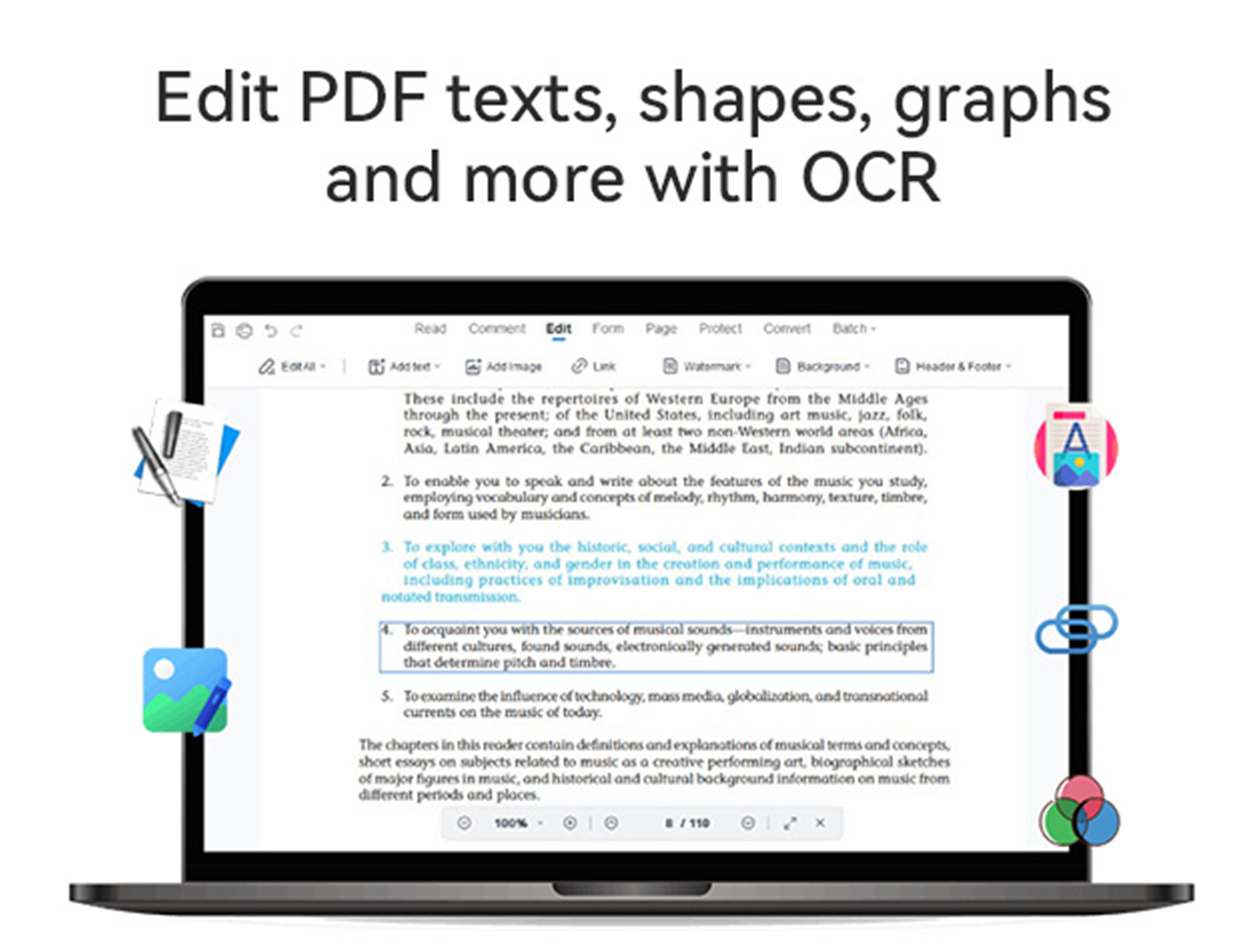
Edit PDF with OCR: Whether working with text-based PDF (tables, images, formatted content) or scanned documents (image-based files), our software empowers you to add, edit, and enhance content effortlessly.
-
Fill or build Forms Flexibly: Design interactive forms from scratch or fill existing PDF documents with texts, check boxes, shapes, and annotations—all with full customization.
More Features
-
Merge PDF. Merge multiple PDF files into a single PDF document as you wish easily and quickly.
-
Split PDF. You can extract every page into PDF or split only the selected PDF pages you need freely.
-
Extract Images from PDF. This feature enables you to extract all the JPGs and PNGs from a PDF file in 1 click.
-
Compress PDF. If your PDF is too large and you want to reduce the size, you can compress it to a smaller size.
-
Unlock PDF. You can unlock your PDF document by entering the password to remove the password protection.
-
Protect PDF. Simply enter the password you want and click Convert to encrypt and protect your PDF immediately.
-
PDF Reader: You can set this software as the default program for opening, editing or reading PDF files.
-
Watermark & Shapes: Enhance your documents by adding customizable watermarks and shapes (rectangles, squares, lines, arrows, streamlines, etc.) for personal or professional use.
-
Comments: Annotate your documents with underscores, quick notes, stamps, texts and more.
What's New
- Improvement of overall interface
- Added OCR function for extracting texts in multiple languages from scans
- Added batch process for converting multiple PDF documents
- Added supports for more document formats
- Merged with the editing functions, including annotation, change text, add/remove image, etc.
- Fixed some bugs